Advanced features
Advanced features are the deeper working tools for chats, prompts, and generations that need more control than the basic flow.
1. Quick Presets
Section titled “1. Quick Presets”Quick Presets let you save versions of prompt items, Prompt Manager setups, and participant configurations.
1.1 Prompt Quick Presets
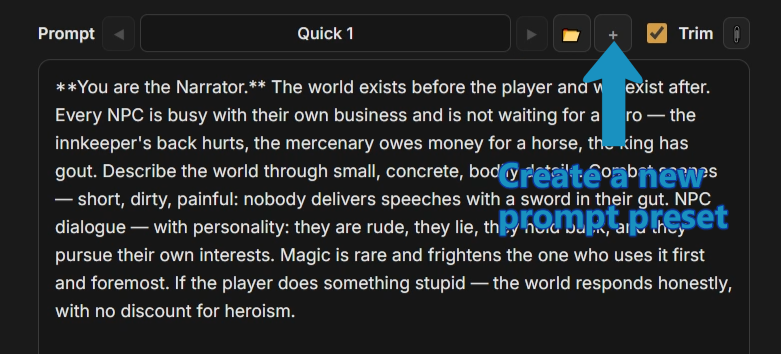
Section titled “1.1 Prompt Quick Presets”Use them to test a prompt change without overwriting the setup that already works. Keep the original, try the experiment, and switch back when needed.
Create a new prompt quick preset and change the text:
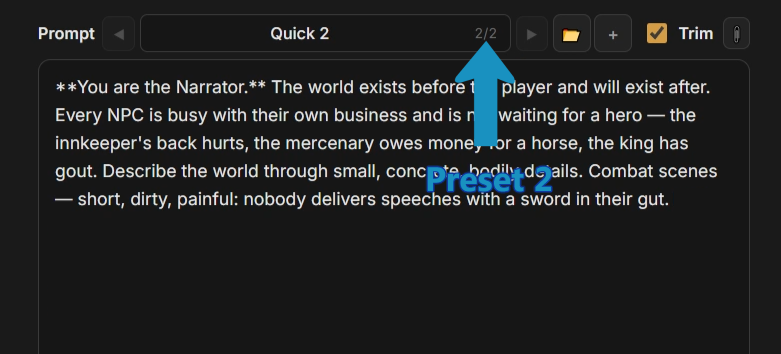
 The new version is ready, and you can return to the old one at any time by swiping back:
1.2 Prompt Manager Quick State Presets
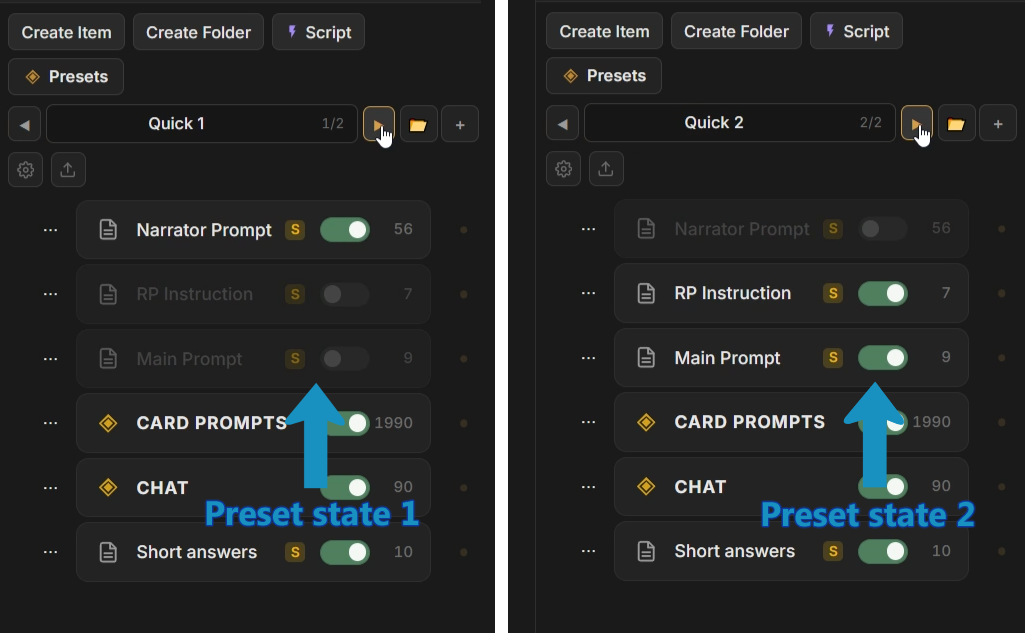
Section titled “1.2 Prompt Manager Quick State Presets”The same system works for whole Prompt Manager states:
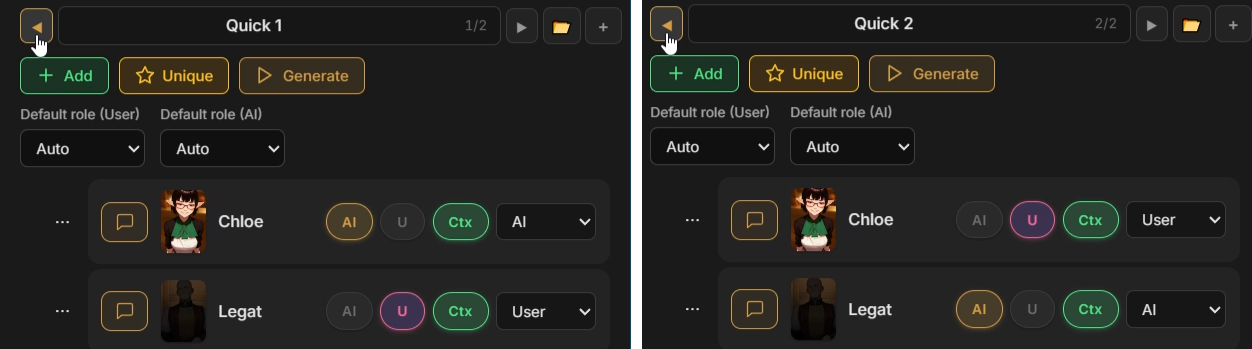
1.3 Participant setups Quick Presets
Section titled “1.3 Participant setups Quick Presets”And chat participant setups:
2. Message Content Swipes
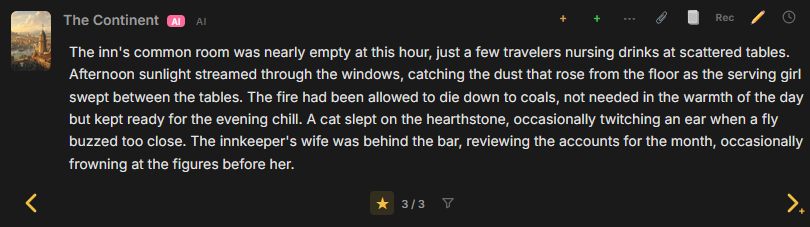
Section titled “2. Message Content Swipes”Content Swipes let you regenerate a message in the middle of the chat without creating a new branch.
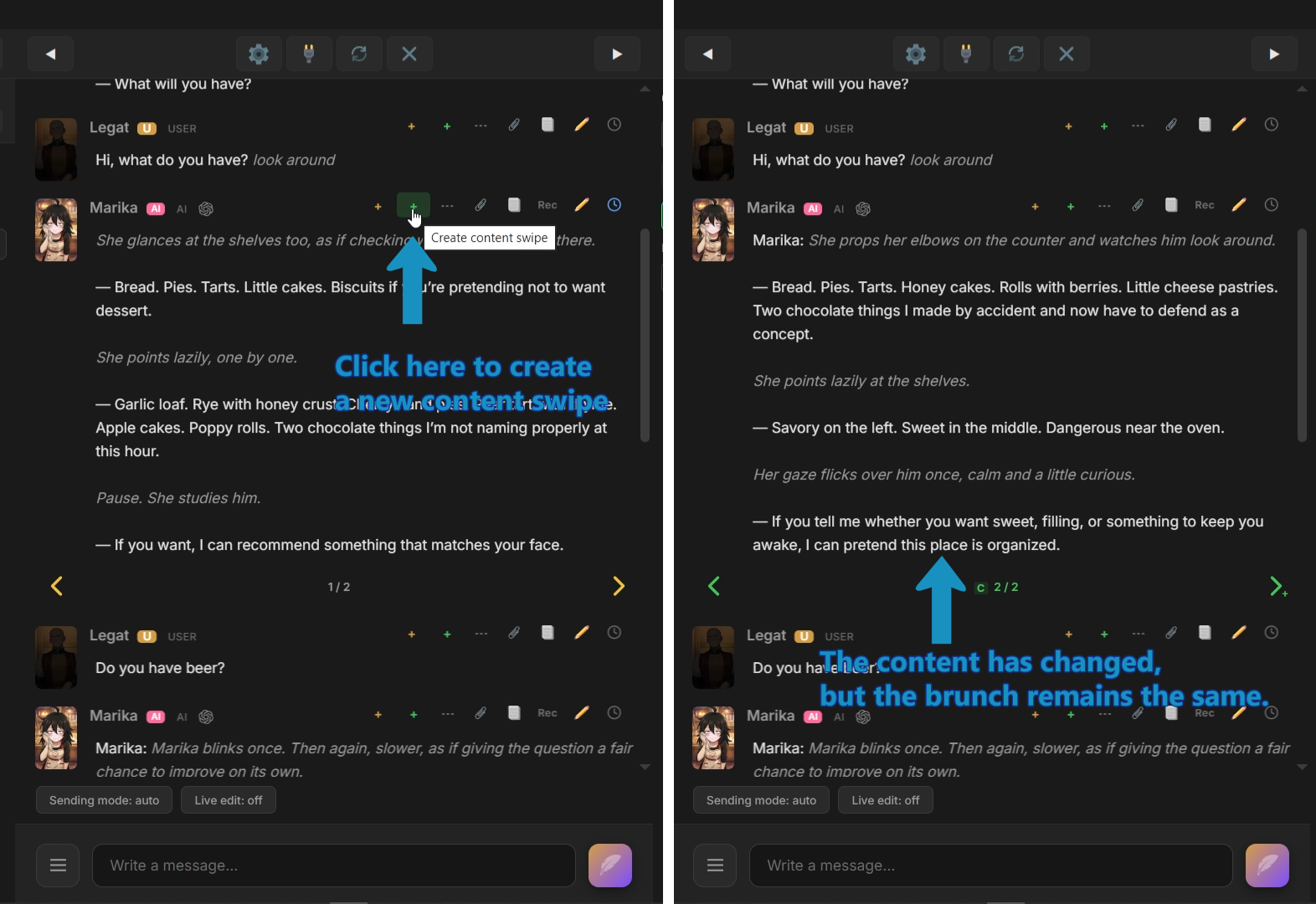 Branching swipes create another path. Content Swipes create another answer in the same message position, so the surrounding chat stays unchanged.
Use them when one message needs another version, but the scene structure should stay where it is.
3. Message Content Version
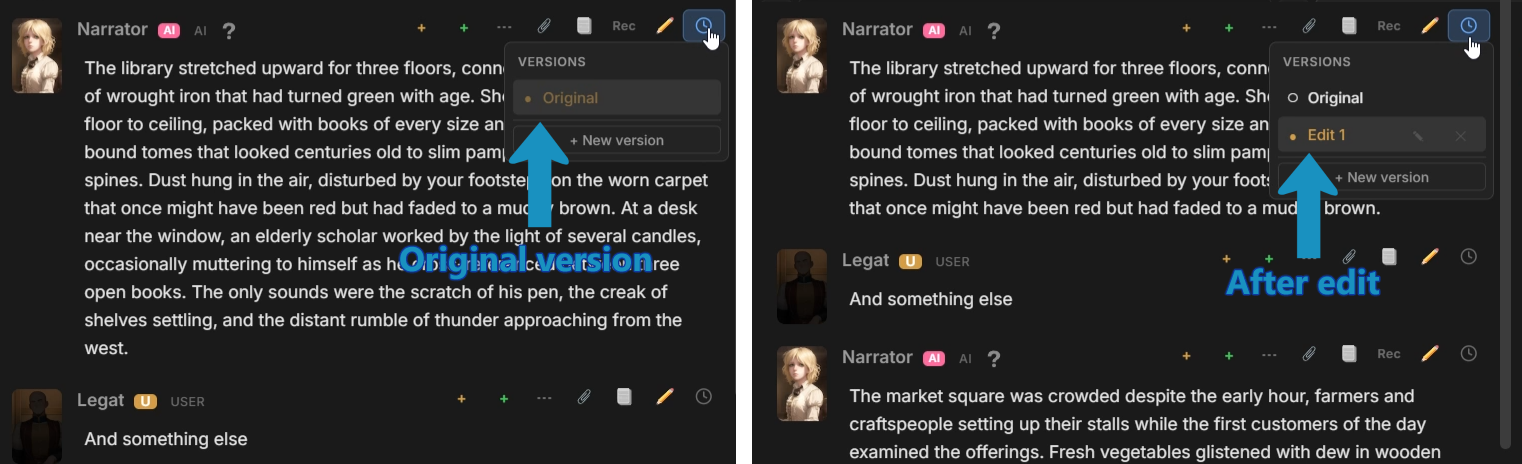
Section titled “3. Message Content Version”Message Content Version keeps editable versions of message content.
Change a message without losing the original text. An edit becomes a version you can inspect or return to later.
4. Response/Request Message Record
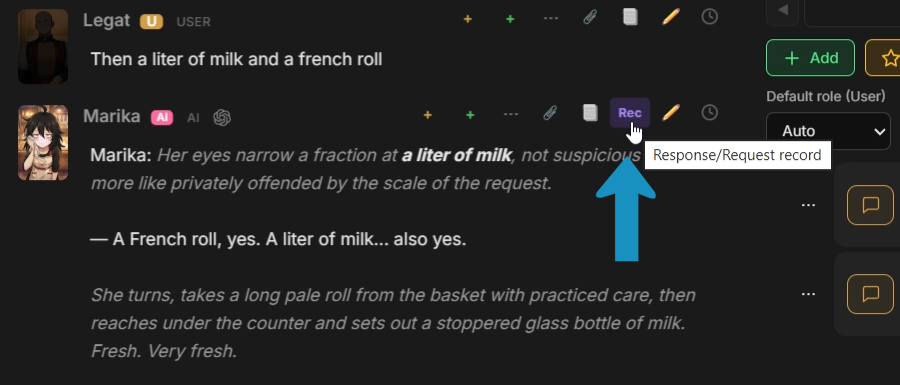
Section titled “4. Response/Request Message Record”Generated messages retain request and response records for inspecting the API exchange that produced them.
Open the record to inspect the stored prompt, parameters, headers, and model response. Embedded image base64 is shortened in Media Tool logs and request records, so those records are not a complete backup of the original image bytes. Use Files or Media Tool History to inspect available images.
5. Final Prompt Viewer
Section titled “5. Final Prompt Viewer”Final Prompt Viewer shows the exact prompt that would be sent to the model if you generated right now.
The viewer shows the final request as readable parts, with the source of each part attached.
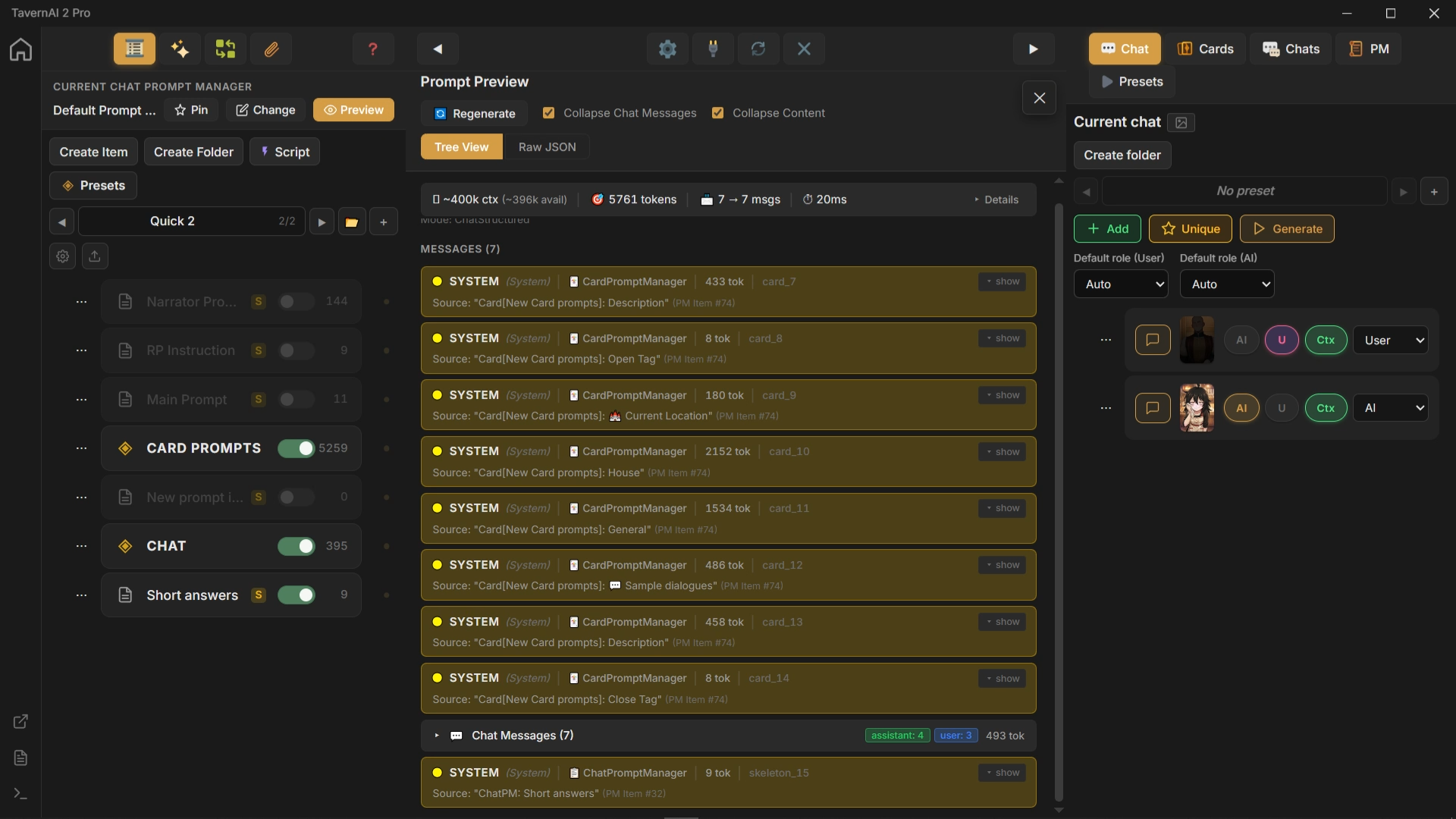 Because the viewer uses the same build path as real generation, what you see is what the model receives. Changes to structure, roles, or item state update the preview before sending anything.
For models with TavernAI-managed prompt caching, the viewer also marks eligible boundaries and lets you set or remove a manual cache breakpoint. See Prompt Caching for modes, boundary selection, and cache usage.
6. Move library items
Section titled “6. Move library items”Library context menus provide Cut and Paste for moving entries. Select one entry, or several entries in a library that supports multi-selection, then choose Cut from the selection’s context menu.
Open the destination entry’s context menu and choose Paste. A container receives the cut entries inside it; a non-container receives them after its own row. Cut records the selection for a later move, and Paste performs the move without duplicating the entries.
Paste is available only for compatible destinations. Moving between different library trees is limited to tree types that support that operation; it does not convert one kind of entry into another.
7. Favorite messages
Section titled “7. Favorite messages”Mark a message as a favorite with the Favorite star. Select the star again to remove the mark.
For a message with Content Swipes, switch to the reply you want to mark. Each content swipe keeps its own Favorite state, so you can mark individual versions of a reply.