
Getting Started
What TavernAI is
Section titled “What TavernAI is”TavernAI launched in 2022, when AI chat apps were still finding their shape, and established its central idea: conversations and characters stay on your machine, and the AI model is yours to choose.
TavernAI 2 is a full rebuild of the first version, shaped by years of experience since then. These chats are no longer limited to one-on-one character conversations: they can become scenes with changing casts, branching storylines, visual material, and interactive logic.
The base is still simple: connect a provider, choose a character, and send a message. The depth opens only when it is needed.
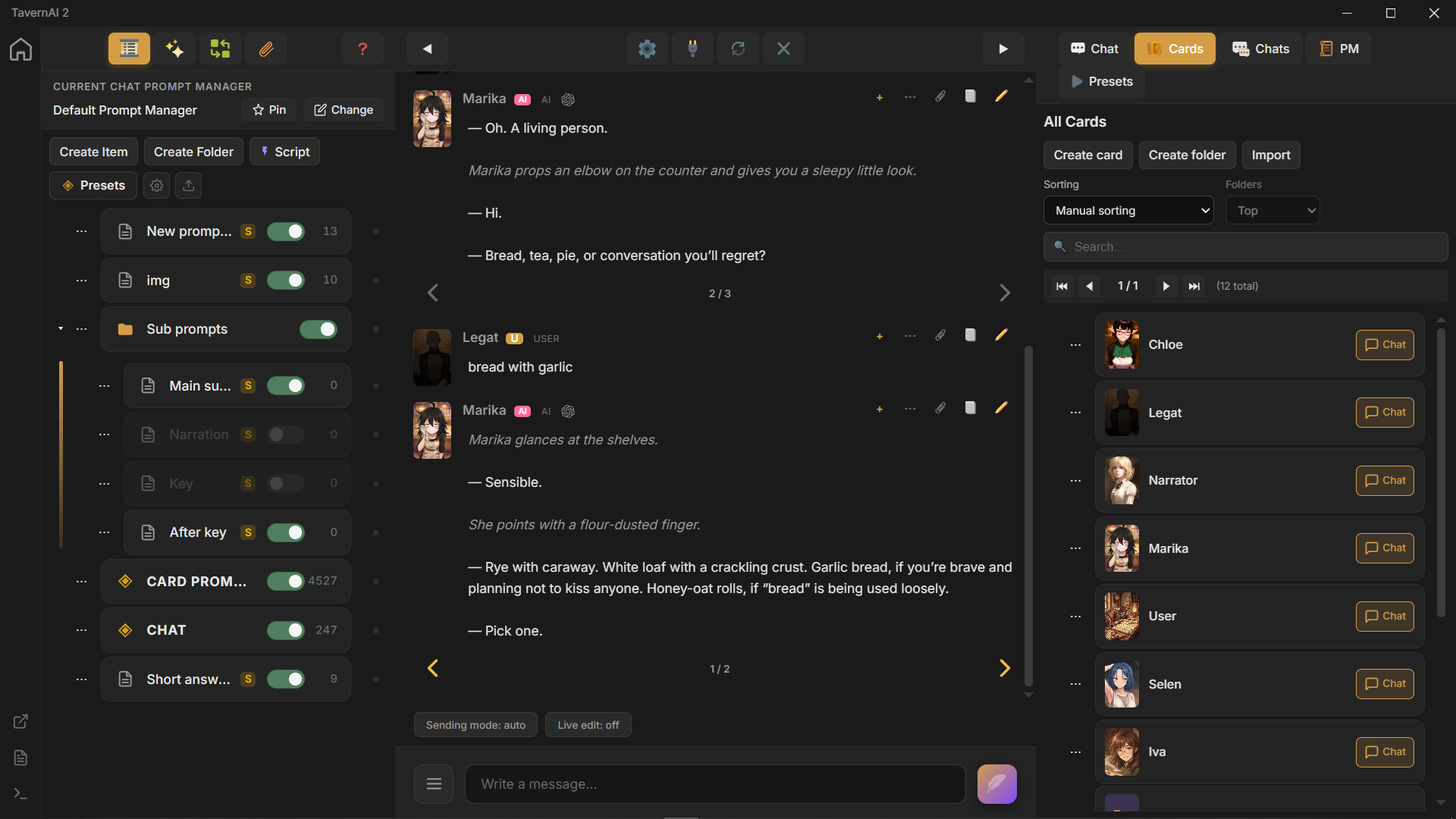
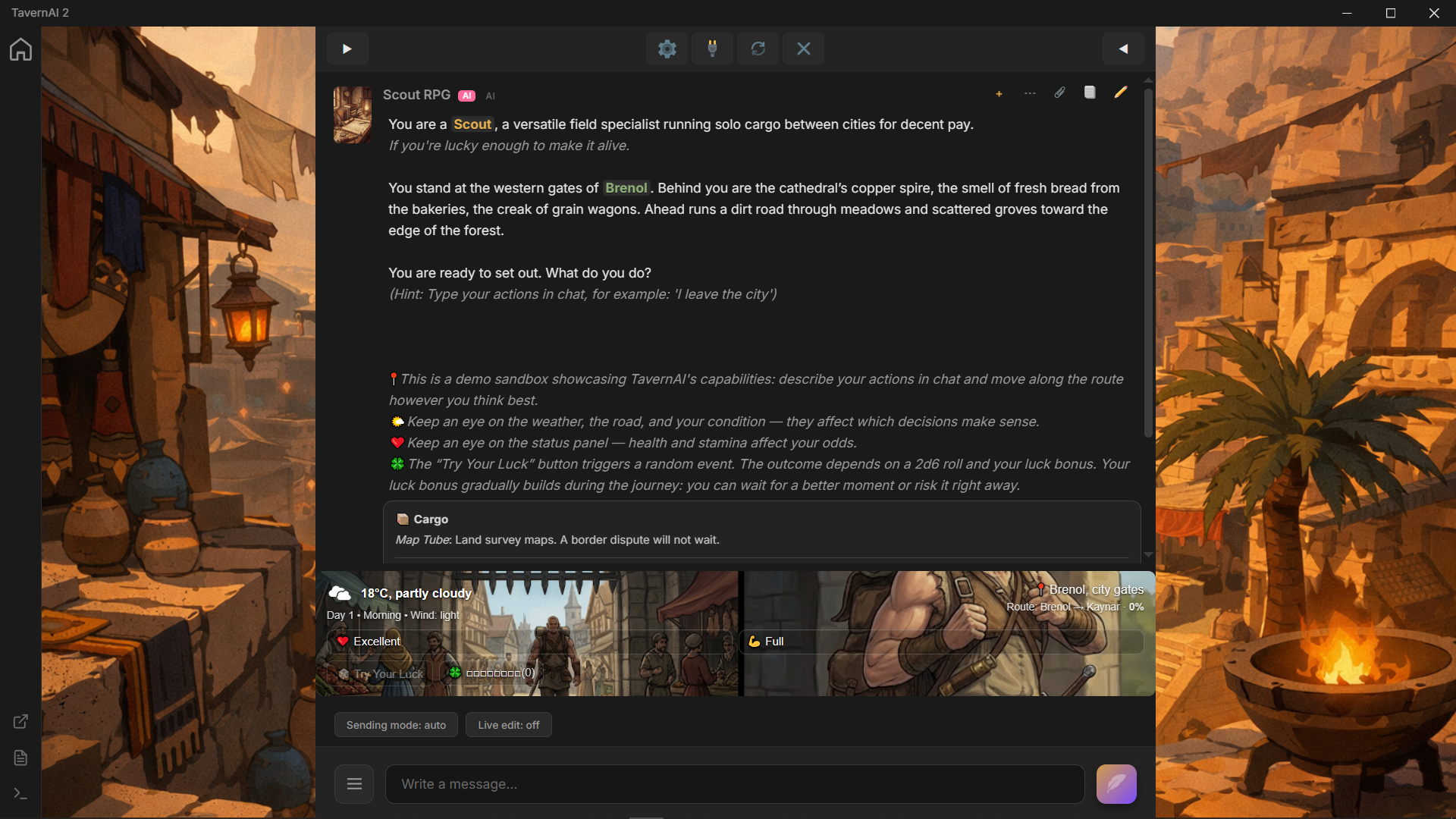
TavernAI 2 key features
Section titled “TavernAI 2 key features”-
Portable app: download and run, no installer required. The app package is 300 MB.
-
Branching swipes: swipe any message to create another branch in the same chat. Each alternate reply can continue as its own path.
-
Multi-generation: one chat can run several AI generations at the same time. Start multiple replies from swipes or branches and let them finish in parallel.
-
Dynamic chat participants: add any number of cards to a chat, then reorder, remove, or replace them as the scene changes. The chat history keeps working even when the cast changes.
-
Unified Prompt Manager: one system builds what the model sees. World info, lorebooks, regex-style replacements, and prompt rules all fit in the same place.
-
New card format: each card has its own individual Prompt Manager. A character is no longer limited to one large text field.
-
Prompt attachments: Prompt Manager can attach files and images to each prompt. And because cards have their own Prompt Manager, a card can include character images, so the AI can see the character directly through the card.
-
Media Tools: let the chat model request image generation as part of a text reply. Each tool has its own image settings and manual workspace, with generation history and shared sessions across nodes.
-
ComfyUI workflows: use your ComfyUI server for image requests from chat or manual generation. Import an API workflow, bind its inputs, and choose the image outputs.
-
Files library: organize uploaded and generated files in folders, preview them, and reuse their markers in chats and prompts. Media Tools can save outputs to a selected folder.
-
Statistics: inspect recorded activity, completed generations, token usage, and the most active Cards, chats, models, and providers over 30 days, 90 days, or a year.
-
Global Cards and Card Presets: keep reusable Card collections available across chats and add ready-made Media Tools and scripted Cards from the built-in catalog.
-
Theme editor: change the look of every major part of the app. Build a theme for the whole interface, not just a new accent color.
-
Pre-gen and post-gen Macros: automate changes before the AI starts and after it answers. Use them to adjust prompts, clean output, or update scene state at the right moment.
-
Prompt Manager Scripts: turn TavernAI 2 into an AI game engine. Add custom panels, create scene mechanics, and make the chat a playable AI scene.
Where to go next
Section titled “Where to go next”- Installation for Windows, Linux, and VPS setup.
- Quick Start for the first launch, provider connection, and first message.
- Multichat for connected chat projects, Virtual Chats, Ordering Formats, and shared timelines.
- Macros for pre-gen and post-gen prompt automation.
- PM Scripts for interactive scene scripting.
- Media Tools for AI-requested image generation, history, and shared sessions.
- ComfyUI for custom image workflows and bindings.
- Files for uploaded and generated files, folders, and reusable markers.
- Statistics for activity calendars, token counts, and generation outcomes.
- Global Cards and Card Presets for shared Cards and ready-made configurations.
- Prompt Caching for cache controls and usage details.
- Advanced features for prompt inspection, message versions, and request records.
- Updating when you already have a TavernAI folder.
- Mass Import from TavernAI and SillyTavern if you are bringing old content with you.