
Mass Import from TAI v1 and SillyTavern
Mass Import moves existing TavernAI v1 or SillyTavern content into TavernAI 2.
Use it when you already have a folder with cards, chats, group chats, lorebooks, or prompt presets, and want TavernAI 2 to bring them into the new library.
What Mass Import can bring in
Section titled “What Mass Import can bring in”- Cards from TavernAI v1 or SillyTavern character folders.
- Chats linked to imported cards when a matching card is found.
- Group chats with their participant list and chat history.
- Lorebooks / world info as imported prompt resources.
- Prompt presets when TavernAI 2 can detect a compatible preset file.
- Chat images when you enable image import.
Import from SillyTavern
Section titled “Import from SillyTavern”- Open TavernAI 2.
- Go to General Settings.
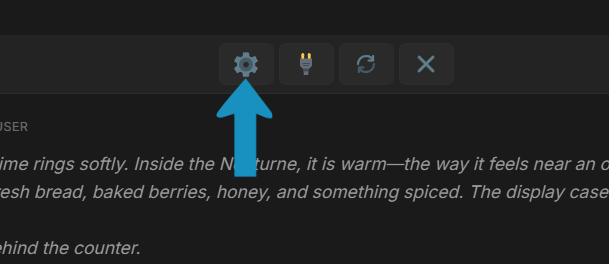
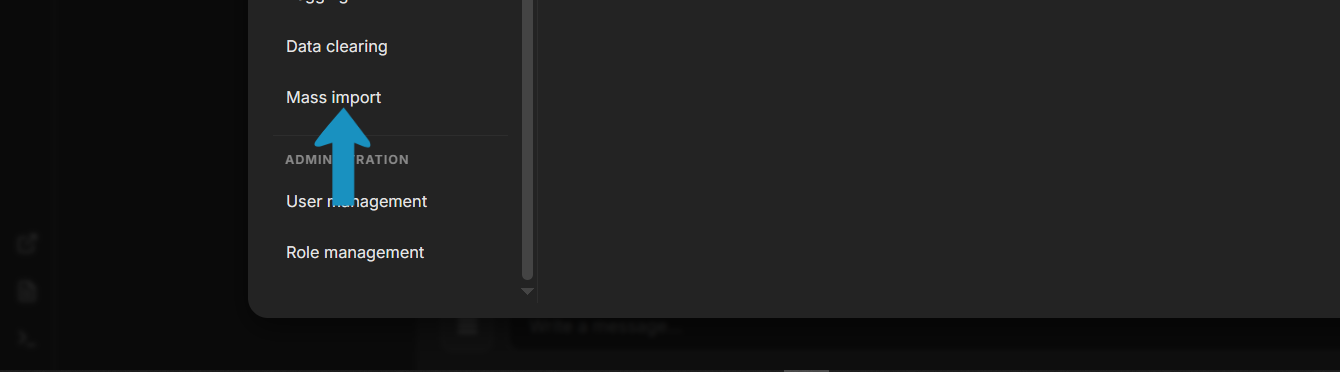
- Go to Mass Import.
- Open the SillyTavern folder, copy its address, and paste it into the input field.
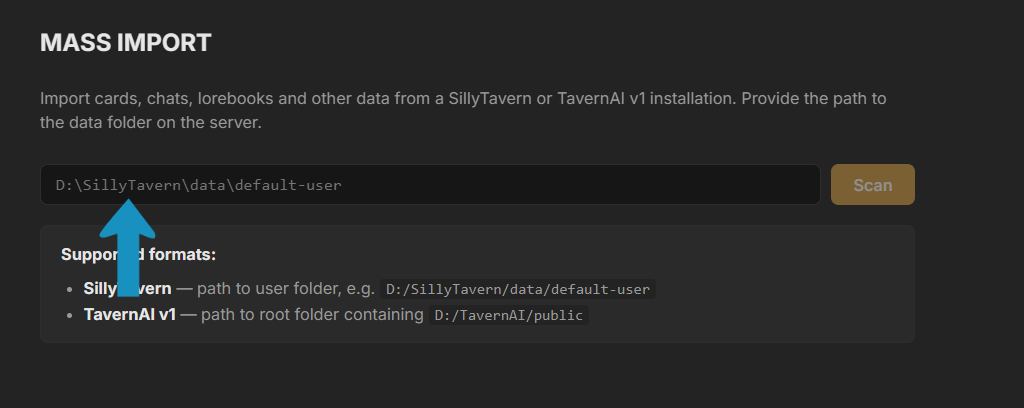
- Run the scan.
- Review the detected cards, chats, group chats, lorebooks, and presets.
- Select what you want to import.
- Start the import and wait for the report.
You can point Mass Import at the SillyTavern root folder or at a SillyTavern user folder. TavernAI detects the known SillyTavern layout and lists what it can import.
Import from TavernAI v1
Section titled “Import from TavernAI v1”- Open TavernAI 2.
- Go to General Settings.
- Go to Mass Import.
- Open the TavernAI v1 folder, copy its address, and paste it into the input field.
- Run the scan.
- Review the detected cards, chats, and lorebooks.
- Select what you want to import.
- Start the import and wait for the report.
TavernAI 2 detects the old TavernAI v1 folder structure and imports supported files into the TavernAI 2 library.
How old content maps
Section titled “How old content maps”| Old content | TavernAI 2 result |
|---|---|
| Character cards | Cards |
| Solo chats | Chats linked to cards |
| Group chats | Chats linked to cards |
| Lorebooks / world info | Prompt Manager resources |
| Regex-style replacements | Prompt Manager resources |
| Prompt Manager presets | Prompt Manager presets |
| Chat images | Chat files |
If something does not import
Section titled “If something does not import”Mass Import is designed to move normal TavernAI v1 and SillyTavern folders. Corrupted files, unusual community formats, missing card links, or edited folder layouts can produce warnings.
- Getting Started for the TavernAI 2 model.
- Quick Start for the first message after import.
- Macros and PM Scripts for advanced prompt behavior.